How to Deposit Using MASTERCARD – A Step-by-Step Guide
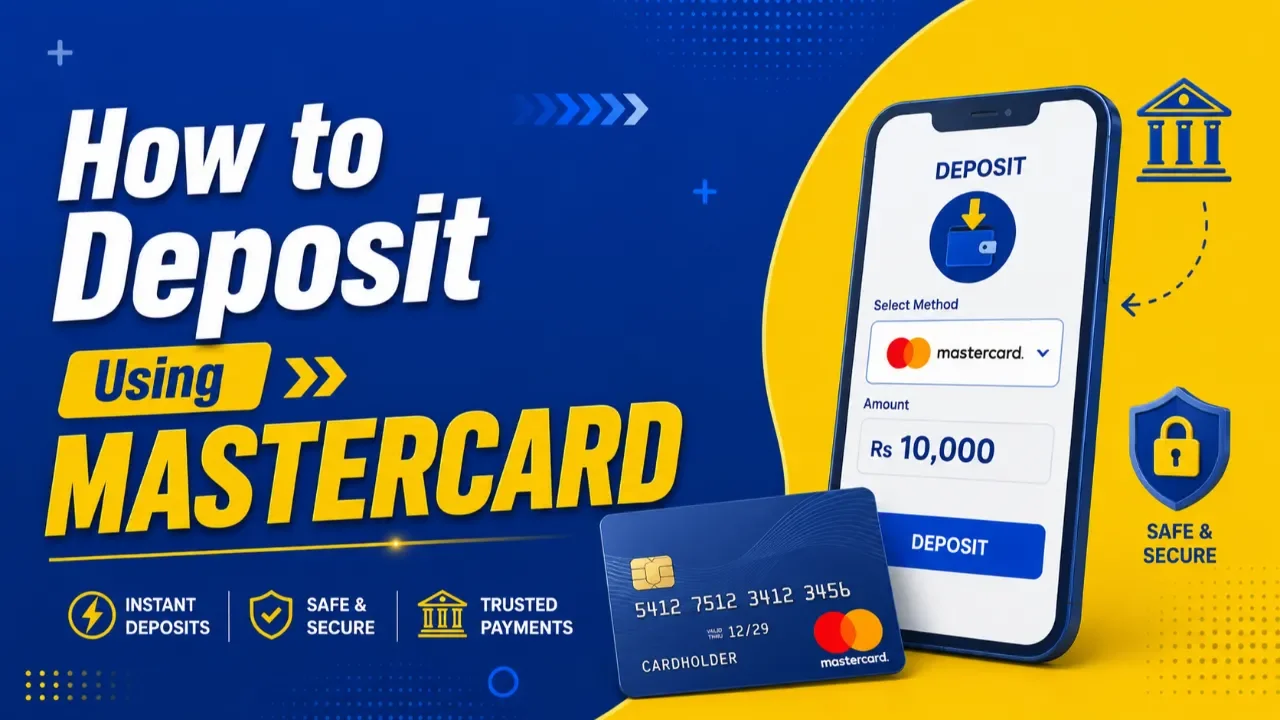
HOW TO DEPOSIT USING MASTERCARD – STEP-BY-STEP GUIDE
Making a deposit with your MasterCard is fast, secure, and easy. Follow the instructions below to complete your deposit successfully.
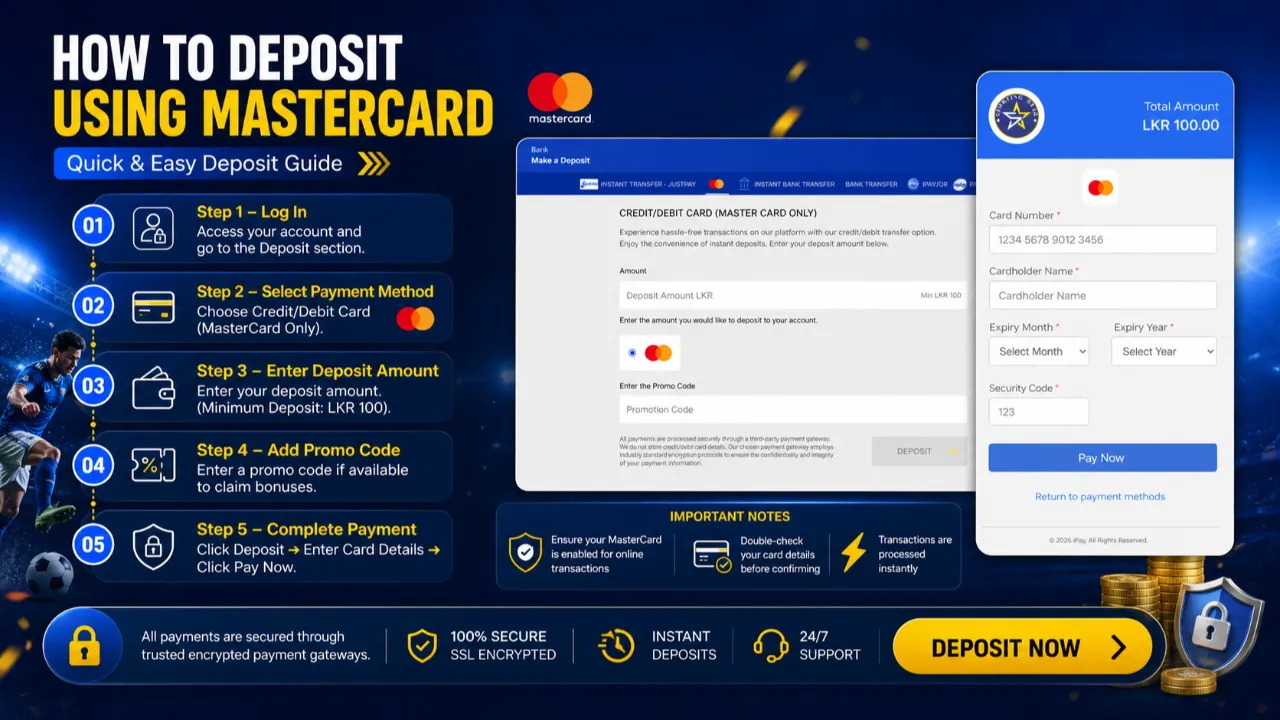
🔹 STEP 1 – LOG IN → Profile Icon → Deposit
- Sign in to your account using your registered username/phone number and password.
- Once logged in, click the Profile Icon.
- Click Deposit.
- Tap the Make A Deposit button.

🔹 STEP 2 – SELECT PAYMENT METHOD
Choose: MasterCard
(This option allows you to make instant deposits directly using your MasterCard.)
🔹 STEP 3 – ENTER DEPOSIT AMOUNT
- Type the amount you wish to deposit into your account.
⚠ Minimum Deposit: LKR 100

🔹 STEP 4 – ADD PROMO CODE (OPTIONAL)
- Enter a promo code only if you have a valid deposit bonus promo code.
- Leave it blank if you do not have a deposit bonus promo code.
🔹 STEP 5 – CLICK DEPOSIT
After confirming your amount and promo code, click the DEPOSIT button to proceed to the secure payment gateway.
🔹 STEP 6 – ENTER CARD DETAILS
Fill in your MasterCard information correctly:
✔ Cardholder Name
✔ Card Number
✔ Expiry Month & Year
✔ Security Code (CVV)
✔ Billing Address (Optional)
(Leave it blank if you do not wish to provide your billing address information.)
⚠ Make sure all details match your bank card information.
🔹 STEP 7 – COMPLETE PAYMENT
- Click PAY to confirm the transaction.
- You will receive an OTP from your bank.
- Once you confirm the OTP, the payment will be credited to your BetSS account.
━━━━━━━━━━━━━━━
⚡ IMPORTANT NOTES
✅ Ensure your MasterCard is enabled for online transactions
✅ Double-check card details before submitting
✅ Keep sufficient balance in your bank account
✅ Transactions are processed securely through encrypted payment gateways
✅ Processing is usually instant depending on bank availability
⚠ BANK RESTRICTION NOTICE
For some banks such as Commercial Bank, HNB, and Sampath Bank, MasterCard deposits may not work due to bank-side transaction restrictions.
👉 In such cases, please use the JustPay deposit method for a smoother and more successful transaction experience.
🔐 SAFE & SECURE PAYMENTS
All payments are protected with trusted SSL encrypted payment systems for maximum security.
🚀 Deposit now and enjoy a smooth gaming experience!